
How to Search Wabasha County Court Records
MCRO is the main remote portal for Wabasha County District Court records. It includes case search, document search, hearing search, and judgment search, and it is the fastest way to see whether a file is already public online. Search by name when you do not know the case number, or use the citation or case number if the ticket, warrant notice, or calendar already gives you one.
Have an exact party name, case number, or citation number ready before you start. For recent matters, use the courthouse calendar or the jail and warrant pages first, because some pending cases do not appear in a name search until they reach the public stage.
- Open MCRO Case Search and choose Wabasha County.
- Enter the party name, citation number, or case number.
- Refine the search by case category or filing date if needed.
- Open the register of actions and any public documents.
- Visit the courthouse for certified copies or missing records.
Wabasha County Court Records Search Fields
MCRO search fields are simple, but they matter. Person-name searches let you use exact names or wildcards after two characters, and the optional filters help narrow a large result set. The court-location filter is useful when you already know the case belongs in Wabasha County.
| Field Label | Type | Required | Notes / Format |
|---|---|---|---|
| Last Name | Text | Yes | Use an exact name or a wildcard after two characters. |
| First Name | Text | No | Helps narrow common surnames. |
| Case Category | Checkbox | No | Use Civil, Criminal, Family, or Probate/Mental Health. |
Types of Wabasha County Court Records
Wabasha County court records include criminal, civil, family, probate, traffic, juvenile, and conciliation files. Each type follows the same county courthouse path, but the case contents differ. Criminal records focus on charges, hearing dates, plea changes, and sentencing. Civil records focus on motions, judgments, and payment activity. Probate records cover estates and guardianships. Traffic records usually begin as citations and may end as paid, dismissed, or contested cases.
Some related records belong to other offices. The Sheriff's Office handles jail and warrant records, and the County Recorder handles marriage and vital records. The court page only covers the court-file side of the record set.
- Criminal records show the filed charges, hearings, and final disposition.
- Civil records show lawsuits, orders, judgments, and post-judgment filings.
- Family records show divorce, custody, support, and related orders.
- Probate records show estates, wills, and guardianships.
What Wabasha County Court Records Show
The useful fields in a Wabasha County court record are the ones that let you connect the online file to the real case. A case number opens the file, a filing date shows when it started, and party names show who is involved. The disposition tells you how the case ended, while the sentence or judgment section tells you what the court ordered.
| Field | What It Shows |
|---|---|
| Case Number | The docket number used to locate the file in MCRO and at the courthouse. |
| Filing Date | The date the case or document entered the court file. |
| Parties | The plaintiff, defendant, petitioner, respondent, or attorney names on the case. |
| Disposition | The current status or final result, such as open, dismissed, convicted, or settled. |
Public Access Framework for Wabasha County Court Records
Minnesota's public-record rules start from a presumption of access, but court records also follow the Judicial Branch public-access rules. In Wabasha County that means online access through MCRO, courthouse-terminal access for fuller review, and certified copies through the Court Administrator. Some records are still limited or blocked from remote viewing even when the case file is public in the courthouse.
Fees apply for certified copies, search requests, and some generated reports. The courthouse counter is also the fallback when an online record is incomplete or a hearing or document has not yet been posted.
Note: MCRO is useful for research, but only the originating office can certify the record.
Records That Are Sealed or Confidential in Wabasha County
Juvenile files, sealed files, some domestic-abuse matters, and records restricted by the Judicial Branch rules may not appear in remote searches. Expunged matters also stay limited under Minnesota law. If you need access to a restricted record, the issuing court controls the process and may require a motion or formal request.
When in doubt, call the Court Administrator before making the trip. That office can tell you whether the file is public, restricted, or available only at the counter.
In-Person Court Record Requests
Bring the case number, party name, or citation number if you have it. The courthouse counter can help with certified copies, older files, and records that are public only at the terminal. The Court Administrator's office is the right place to ask when MCRO does not show a document or when you need an official copy.
Wabasha County District Court Administration
848 17th Street East, Suite 4
Wabasha, MN 55981
651-412-8627
Monday-Friday, 8:00 a.m. to 4:30 p.m.
Source: Minnesota Court Records Online overview.
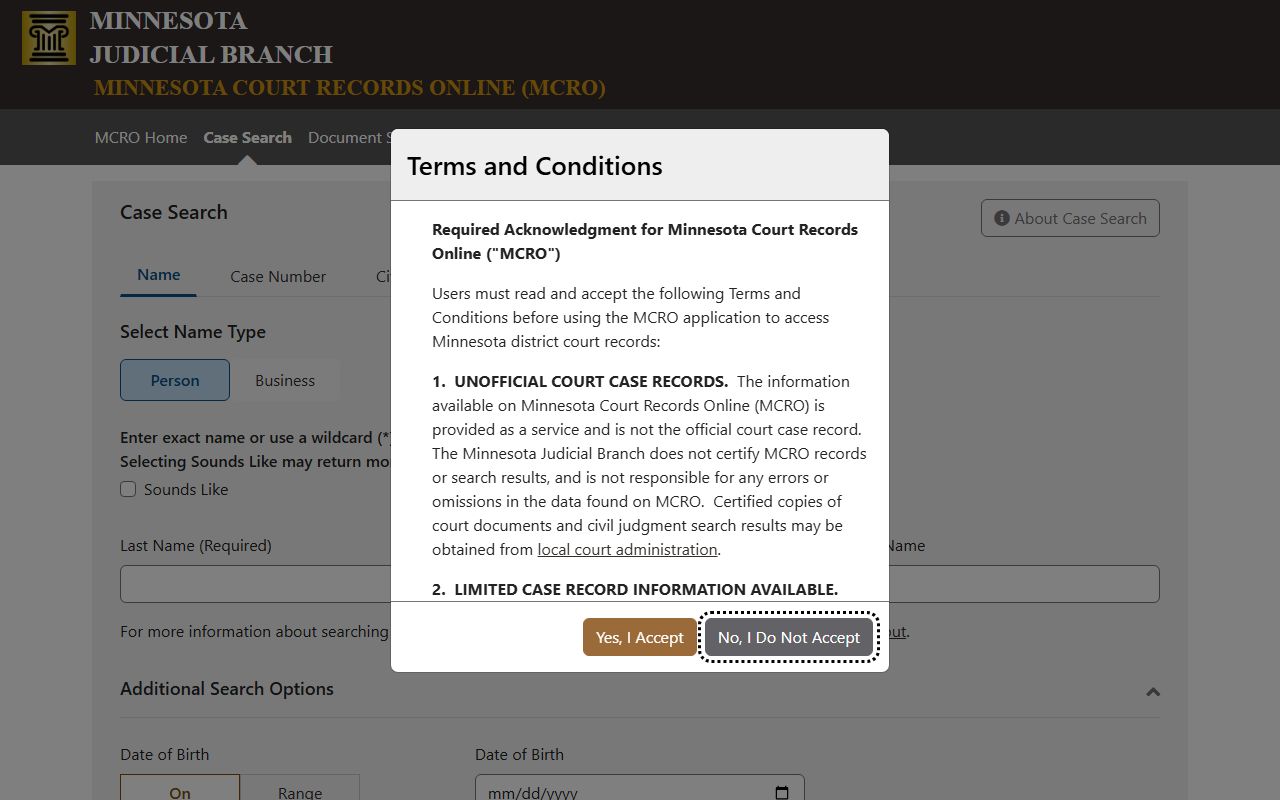
This is the remote search tool most visitors use before calling or visiting the courthouse.
Source: MCRO document search.
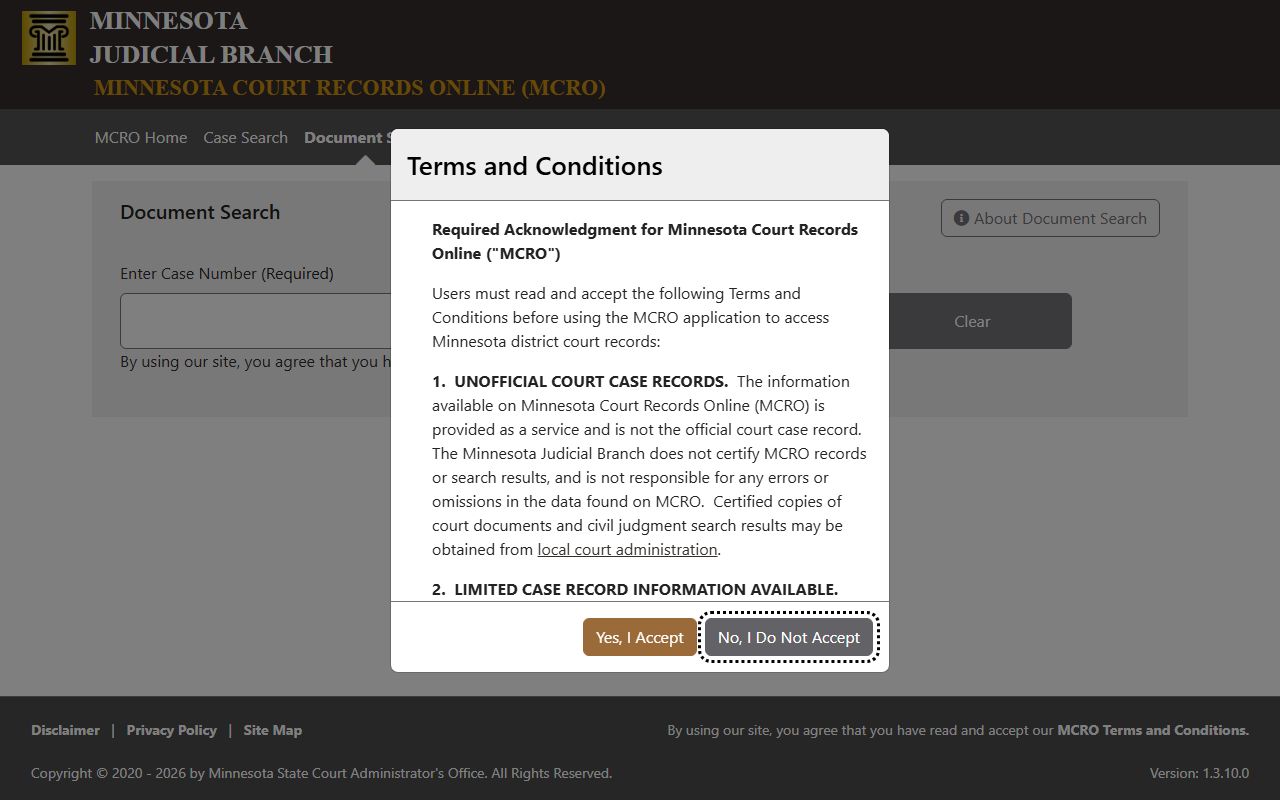
Document search matters when the case number is known but the underlying filing has not been easy to find by name.
Source: MCRO hearing search.
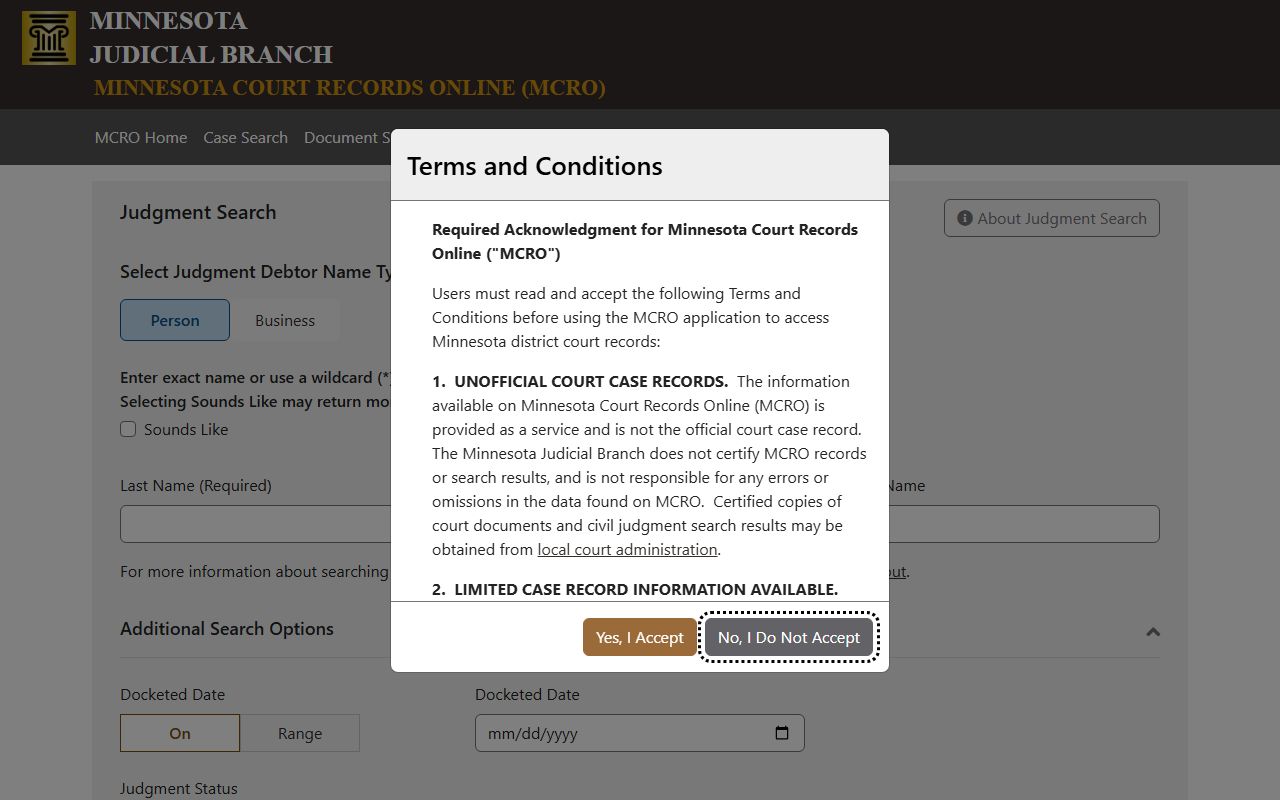
Hearing search is useful when a person needs the next hearing date rather than the whole case file.
Source: Minnesota Government Data Practices Act.
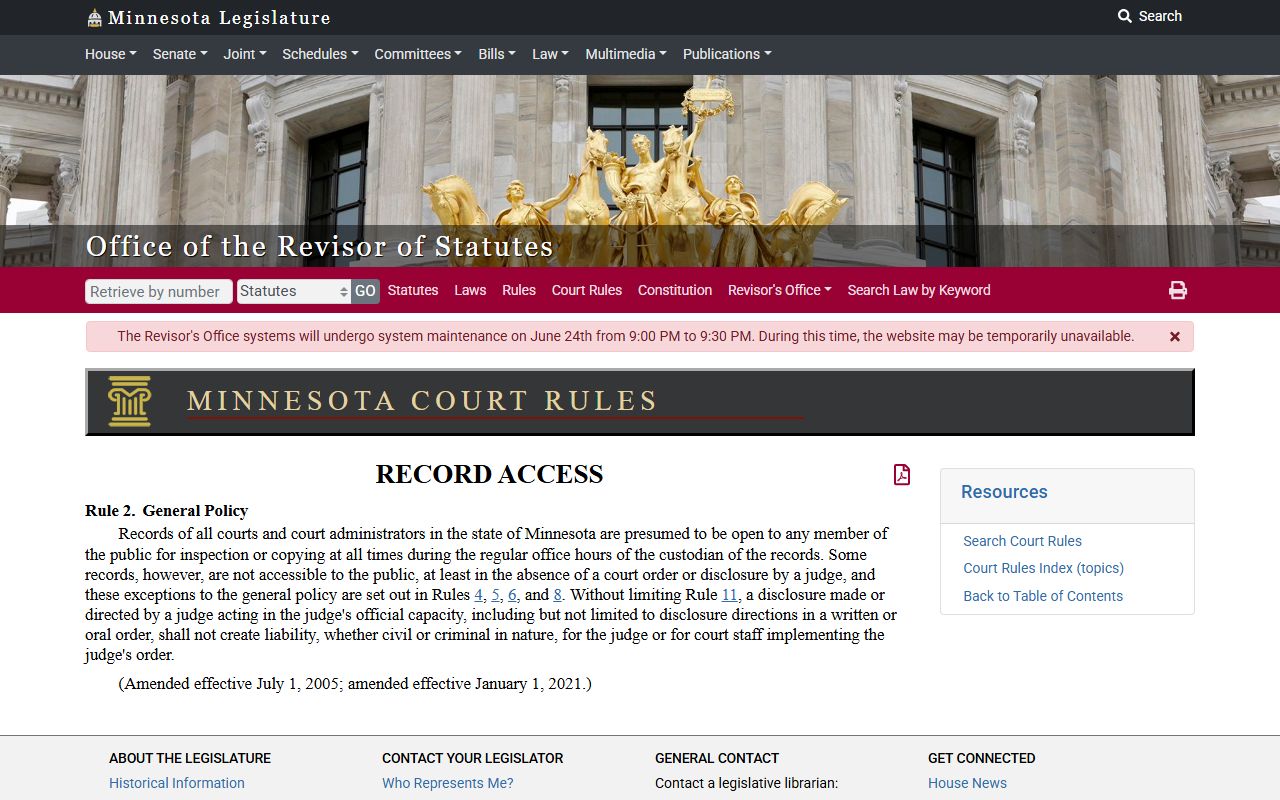
The data practices act matters for non-judicial county records and the broader access framework.
Source: Wabasha court page.
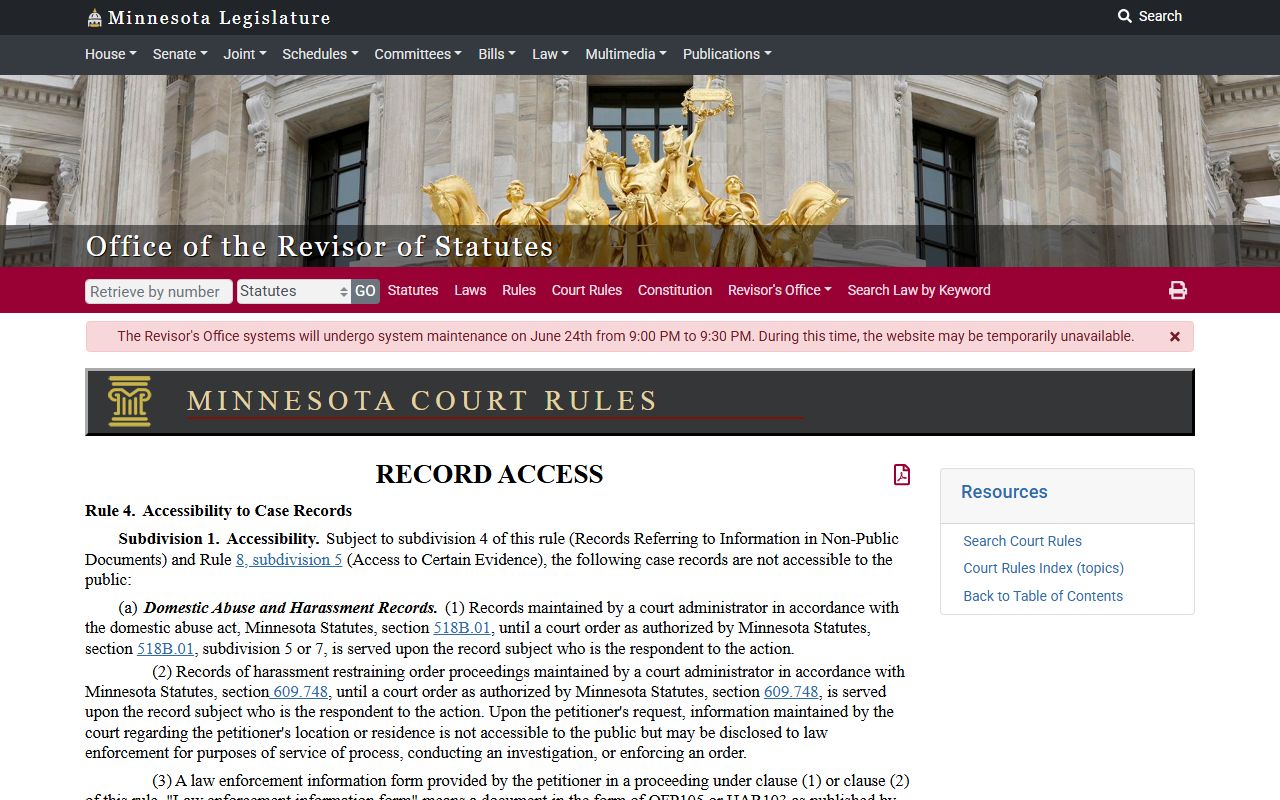
The county court page ties the local courthouse, hours, and public-calendar access together.
Source: Minnesota Rules of Public Access Rule 8.
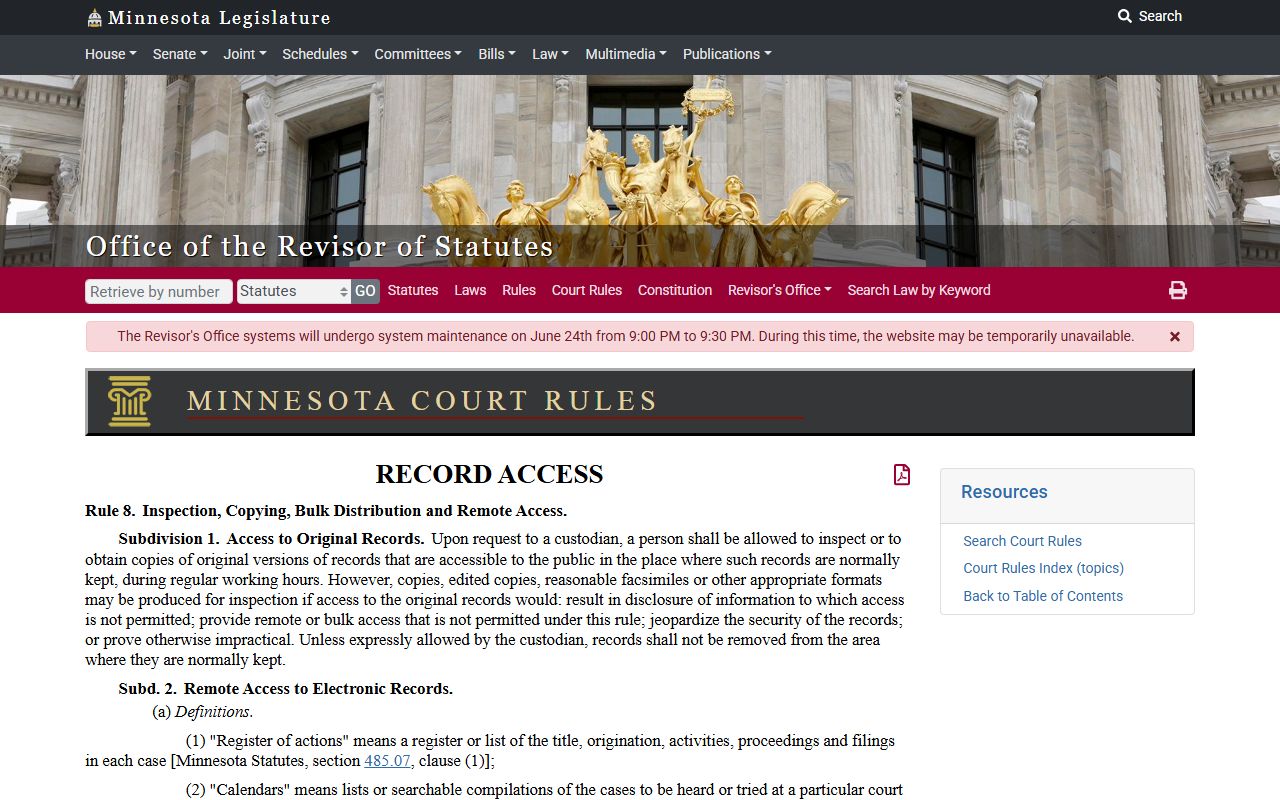
Rule 8 explains why some records are available only at the courthouse or with remote-access limits.